> ## Documentation Index
> Fetch the complete documentation index at: https://docs.meow.style/llms.txt
> Use this file to discover all available pages before exploring further.
# meow
> A standards-first JavaScript & TypeScript runtime, package manager, and quality toolchain — in a single Rust binary.
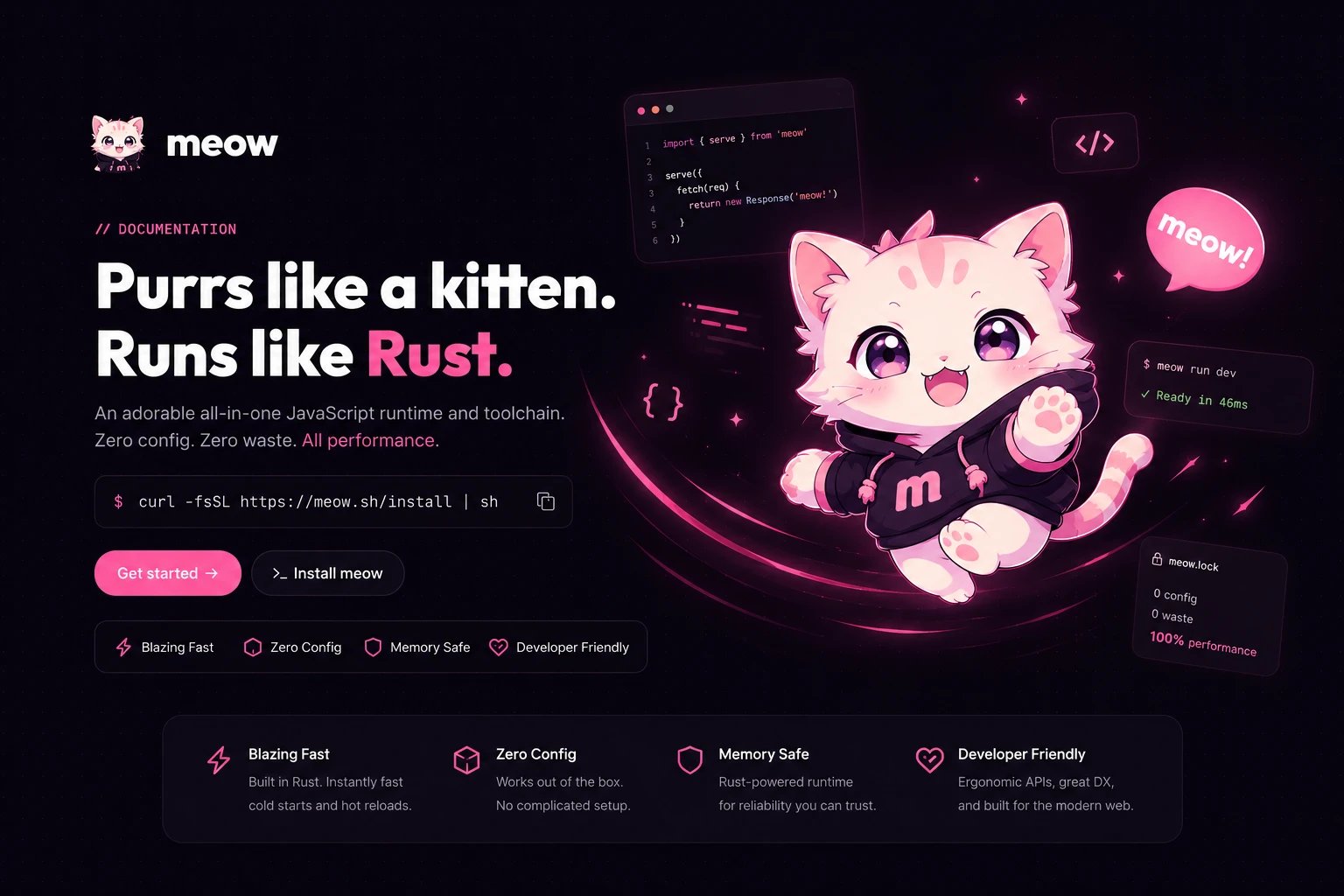 **meow** runs your JavaScript and TypeScript, installs your packages, type-checks,
lints, formats, bundles, and tests them — all from one binary, with one config
file, over a single parse of your code.
It is built on two ideas in tension, held together on purpose:
Empathetic, beautiful terminal UX. Structured diagnostics with code frames and
caret markers, paw-print spinners, Bento-style panels — that degrade cleanly to
plain text in CI.
Ruthless systems engineering. One Oxc parse feeds every tool, packages
materialize with copy-on-write, and runs are deterministic by default. No
redundant work, no wasted bytes.
## Why meow exists
A modern JavaScript project is a pile of tools that don't know about each other.
Node runs the code; npm or pnpm installs the packages; `tsc` checks types; ESLint
lints; Prettier formats; a bundler bundles; a test runner tests. Each one parses
your source again. Each one has its own config file. Each one is a separate
install with its own version drift.
meow collapses that stack. **One binary. One config. One parse.**
meow doesn't reinvent the engine or fork the ecosystem. It runs on a tuned
build of V8 (via `deno_core`) and resolves real npm packages from the public
registry. What's new is the *integration*: the runtime, installer, type-checker,
linter, formatter, bundler, and test runner are one program sharing one
in-memory model of your code.
## The equation
**meow** runs your JavaScript and TypeScript, installs your packages, type-checks,
lints, formats, bundles, and tests them — all from one binary, with one config
file, over a single parse of your code.
It is built on two ideas in tension, held together on purpose:
Empathetic, beautiful terminal UX. Structured diagnostics with code frames and
caret markers, paw-print spinners, Bento-style panels — that degrade cleanly to
plain text in CI.
Ruthless systems engineering. One Oxc parse feeds every tool, packages
materialize with copy-on-write, and runs are deterministic by default. No
redundant work, no wasted bytes.
## Why meow exists
A modern JavaScript project is a pile of tools that don't know about each other.
Node runs the code; npm or pnpm installs the packages; `tsc` checks types; ESLint
lints; Prettier formats; a bundler bundles; a test runner tests. Each one parses
your source again. Each one has its own config file. Each one is a separate
install with its own version drift.
meow collapses that stack. **One binary. One config. One parse.**
meow doesn't reinvent the engine or fork the ecosystem. It runs on a tuned
build of V8 (via `deno_core`) and resolves real npm packages from the public
registry. What's new is the *integration*: the runtime, installer, type-checker,
linter, formatter, bundler, and test runner are one program sharing one
in-memory model of your code.
## The equation
0 config + 0 duplicated bytes + 1 binary = meow
## What makes it different
Your code is parsed a single time into an Oxc syntax tree and reused by the
runtime, linter, formatter, type-checker, and bundler. No tool re-parses what
another already read.
In `strict-web` mode the clock is frozen, randomness is seeded, and the
timezone is pinned to UTC — so the same code produces the same output on every
machine. Ideal for tests, CI, and edge.
`node-compat` gives you the full Node.js surface for frameworks like Next.js
and Vite. `strict-web` gives you a portable, web-standard sandbox. You choose
per project.
Packages download once to a global content-addressed cache and project into
your workspace via copy-on-write or hardlinks — no symlink loops, no duplicated
disk.
`meow.config.json` replaces the graveyard of `.eslintrc`, `.prettierrc`,
`tsconfig.json`, and test configs. meow generates the legacy shims that editors
still expect.
Errors are framed inside structured panels with the offending line, caret
markers, and a path to the fix — not a wall of raw compiler output.
## Start here
Get the binary on your machine in one command.
From empty folder to a running TypeScript server in 60 seconds.
A side-by-side cheat sheet for `npm`, `node`, and `npx` users.
## A taste
```bash Scaffold & run theme={null}
meow init # write package.json + meow.config.json, scaffold main.ts
meow dev # run the dev script with a deterministic runtime
```
```typescript main.ts theme={null}
import { serve } from "meow:http";
import { ui } from "meow:ui";
ui.purr("meow runtime started!");
serve((req) => {
return new Response("🎀 🐾 Hello from meow! 🐾 🎀\n");
}, { port: 3000 });
```
```bash One toolchain theme={null}
meow add zod # resolve + install, SHA-512 verified, lockfile updated
meow check # type-check via tsc over a generated shadow config
meow fmt # format with the Oxc code printer
meow lint # lint over the shared syntax tree
meow test # run *.test.ts in isolated, deterministic V8 isolates
```
Every command has colorized `--help`, and the [CLI reference](/cli/overview)
documents each verb and flag.